Restaurant and café
Dining room, kitchen and reservations — under control even at peak hours
KASSIO Gastro connects waiters, kitchen and POS so orders don't get lost and guests don't wait.
The consultation is free. We'll discuss cost and setup in the chat.

71
free tables
Typical challenges
Waiters run back and forth between the table, the register and the kitchen.
The order is taken on a phone at the table and goes straight to the kitchen.
The kitchen mixes up orders and guests' requests.
The kitchen display shows every item with its modifiers.
Guests ask to split the bill, and the cashier works it out by hand.
The bill is split between guests in a few taps.
A reservation was noted, but the table is already taken.
The reservation is tied to a table and visible in the same POS.
What KASSIO offers for this
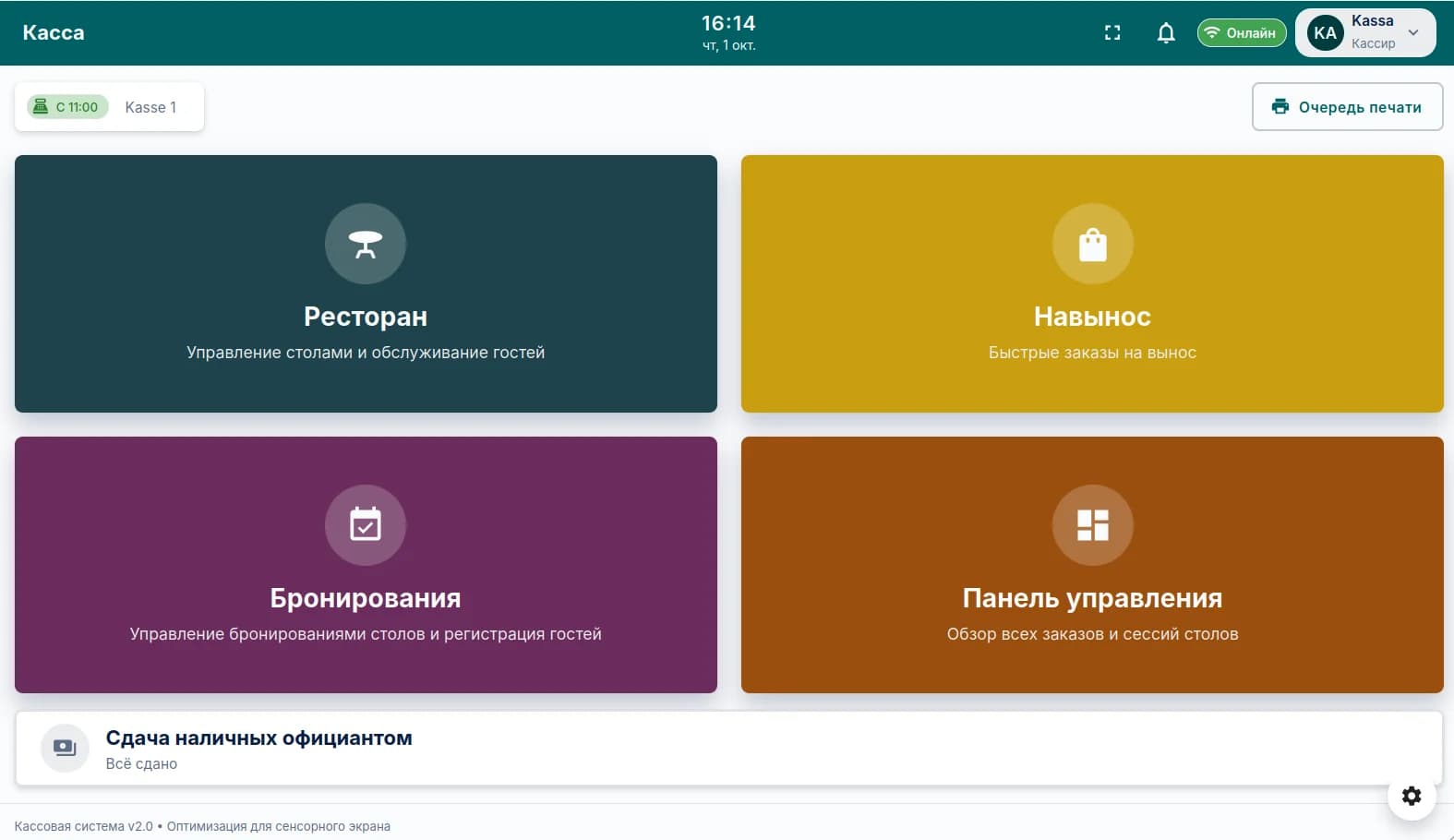
- Floor plan and tables
- Waiter app
- Kitchen display
- Dish modifiers
- Reservations
- Split bill and tips
- Ingredients and profit per dish
- Shifts and timesheets
How it works in practice
- 01
Guests sit down
The waiter opens the table on the floor plan in the app.
- 02
Order
Dishes with special requests go to the kitchen in one tap.
- 03
Kitchen
The cook sees the order on screen along with the guest's requests.
- 04
Payment
The bill is split, paid in cash or by card, and the receipt is printed.
Questions
How many tables can I set up?
It depends on the plan: up to 30 tables on the basic plan, no limit on higher plans.
Can I work without the waiter app?
Yes, orders can also be taken at the register. The app can be added when you need it.
Tell us about your business
Message us — we'll show you KASSIO using your own setup and give you a price.
The consultation is free. We'll discuss cost and setup in the chat.